![kudurrustone-logo.png]](https://kb.kudurrustone.com/hs-fs/hubfs/kudurrustone-logo.png?height=40&name=kudurrustone-logo.png)
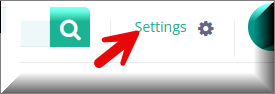
The first step in working with Paid Holidays is to go to the Settings Menu near the top right of your screen.
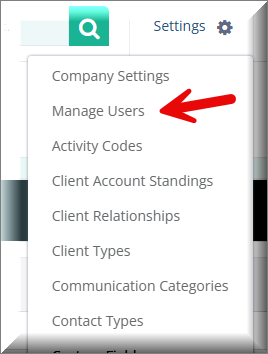
Once you click on Settings you should then click on Manage Users.
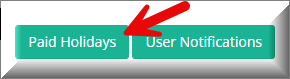
Once on the Manage Users page you can click on the Paid Holidays button near the top right of the page.
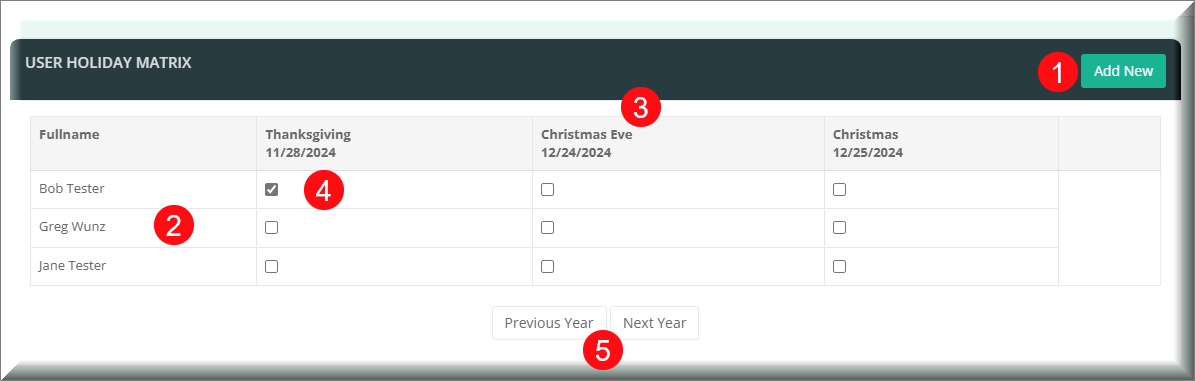
This will then open the Paid Holidays page where you can manage all your paid holidays and apply them to your employees. The specific parts of the paid holidays page are described below.
- The Add New button allows you to add a new Paid Holiday
- This shows all your employees that are users within Kudurru Stone.
- The headings across the top show you all the holidays you have entered already.
- Check the box to apply that holiday to a user.
- The Next and Previous buttons allow you to navigate from year to year.
Any holidays you add to an employee will show on the Task Scheduler as well.