![kudurrustone-logo.png]](https://kb.kudurrustone.com/hs-fs/hubfs/kudurrustone-logo.png?height=40&name=kudurrustone-logo.png)
This article assumes you know how to find and edit a quote. It also assumes you know how to create Quote Pages and save them.
Once you have your Quote Page created, saved and open you can click on the Kudurru Stone tab of the Quote Page editor.
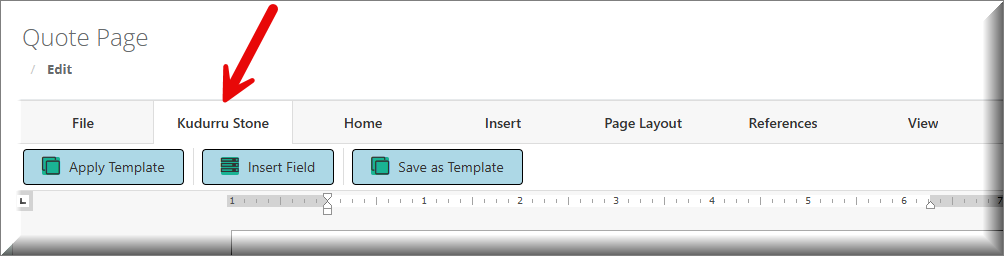
From the Kudurru Stone tab you will see a button for "Save as Template". This will open a window that allows you to enter the name of the Template. We will call this one Terms and Conditions - A.
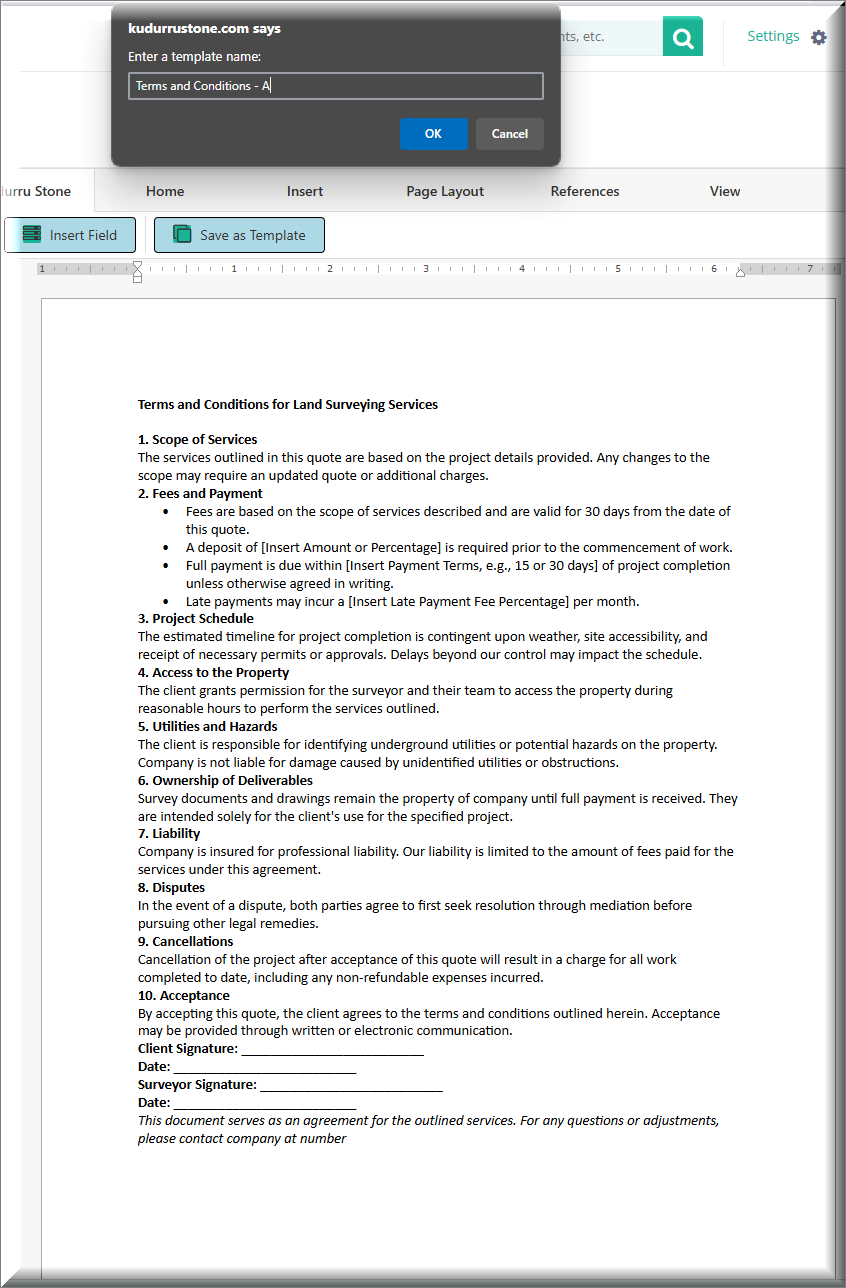
Now our page is saved as a template and now we can add it to another quote.
In order to add this template to another Quote we must find that other quote and go to the quote edit page. Once there we can create a New Quote Page for that quote. Once that Quote Page Editor is open, we can navigate to the Kudurru Stone tab again.
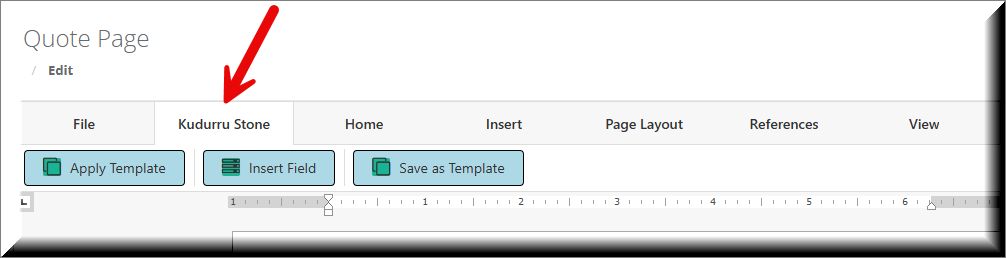
Once on the Kudurru Stone tab we can click on "Apply Template". This will open a window allowing you to select that newly created Quote Page Template: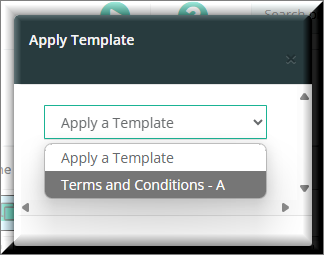
This will then apply that template to this quote page for you and will be included in the Quote to PDF when printed to PDF.